Suppliers
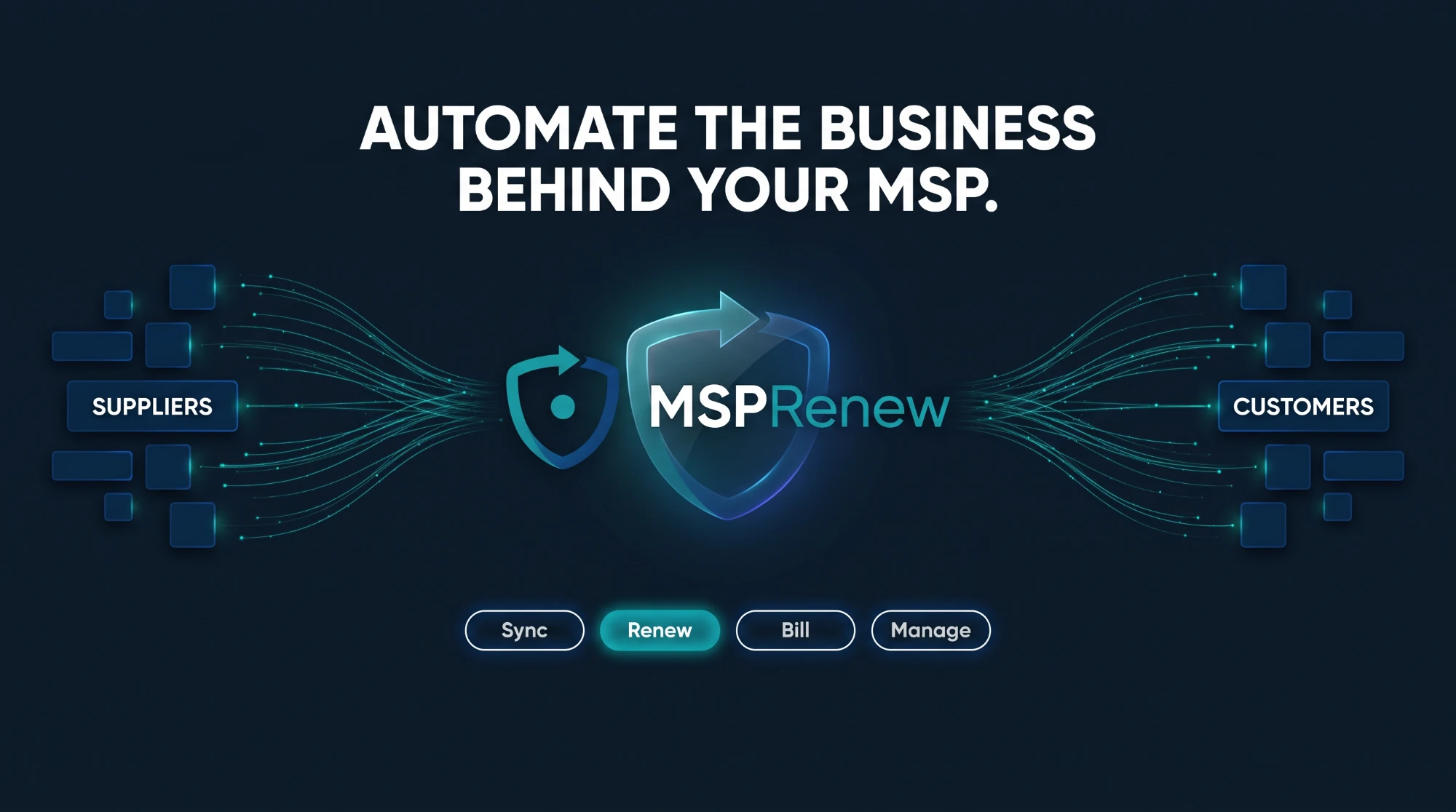
Distributors, cloud marketplaces, security and hardware vendors, connected once with read-only access where possible.
Business automation for managed service providers
MSPRenew connects your suppliers, customers, subscriptions and assets in one platform. Renewals happen on time, every licence reaches the invoice, and month-end billing stops being a spreadsheet project.
The problem
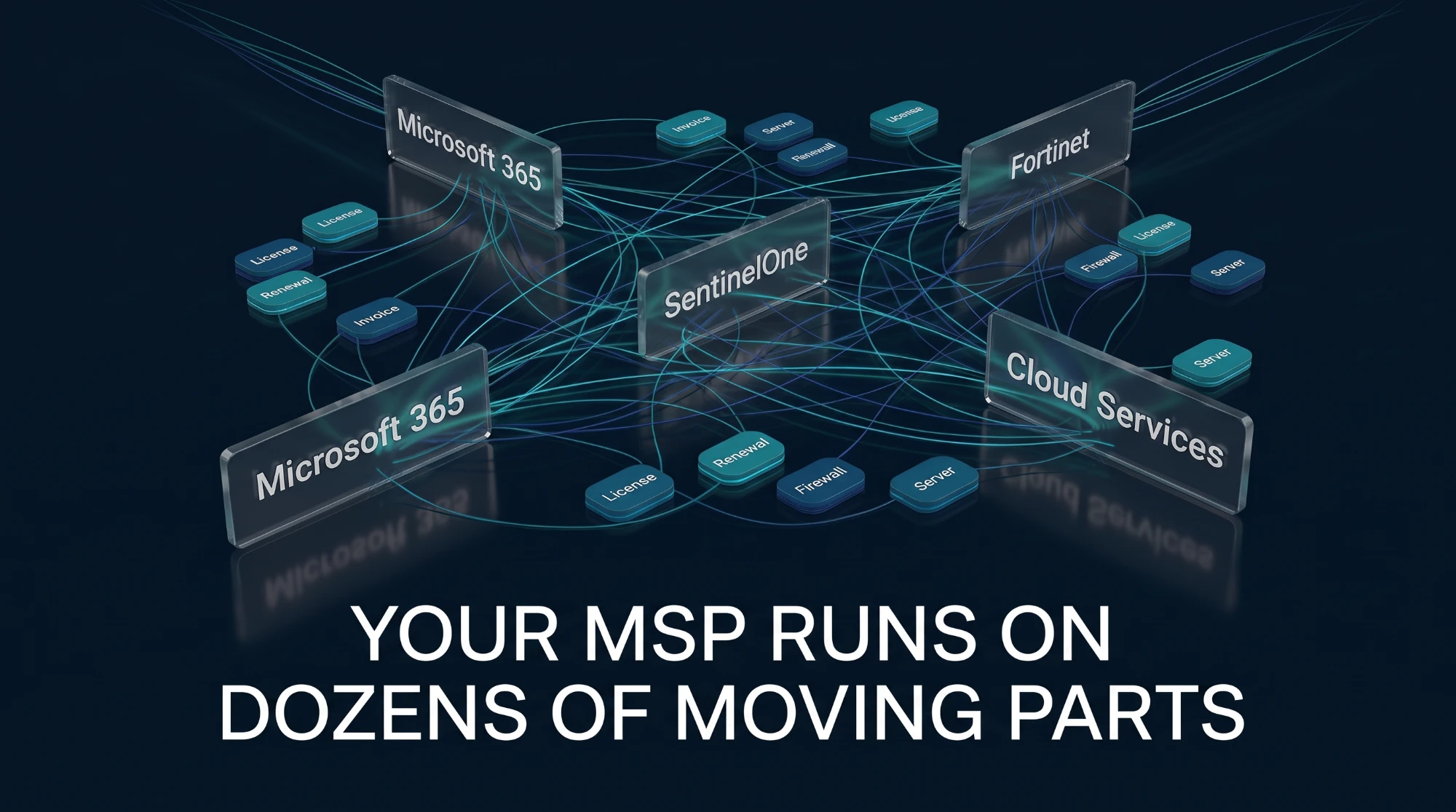
Every vendor has its own portal, its own renewal dates, its own usage report and its own spelling of your customer's name. Keeping it all in sync by hand costs hours each month, and the gaps cost money.
The platform
MSPRenew turns the tangle into one source of truth. It pulls data from your vendors, matches it to the right customer, applies your prices and hands finance a ready-to-post export.

Distributors, cloud marketplaces, security and hardware vendors, connected once with read-only access where possible.
One customer ID with any number of names, so every vendor's records land on the right account.
Seats, usage and renewal dates for every licence, with customer pricing and margins applied automatically.
Servers, firewalls, storage and domains with warranty and expiry dates you can see coming.
Features
Four jobs that used to take your team days each month, handled in one place.
Connectors collect subscriptions, usage and charges from each supplier on a schedule, so the numbers are already there when you need them.
Microsoft Partner Center, Sherweb, Also, Ingram Micro Cloud, Acronis, SentinelOne, ESET, JumpCloud, Keepit, Egnyte and more.
Per-customer licence reports read through read-only Global Reader GDAP. No per-tenant app consent needed.
Backup storage, endpoints, users and seats gathered per customer, per vendor, every month.
Every vendor has a guided walkthrough and a one-click test, so you know a connector works before you rely on it.
Every expiry date across software, hardware and domains in one list, early enough to act and to bill.
Also and Sherweb renewal notices gathered in one place instead of scattered across portals and inboxes.
Dell, Lenovo and HPE warranty status per device, so replacement and extension quotes go out on time.
Fortinet and Check Point (Infinity Portal and Quantum Spark) licence and support dates per customer.
Namecheap, Cloudflare and GoDaddy domains with expiry dates, ready for the renewal conversation.
Usage turns into invoice lines with your prices and rules applied, so nothing slips through and nothing is guessed.
Monthly usage per customer and vendor becomes billable lines automatically, including licences added mid-month.
Regular prices plus per-customer overrides: a fixed price or a margin on the regular price. Price history is kept, never rewritten.
Round per-GB storage and other metered items up, down or to the nearest step, the way your contracts say.
Ready-to-post export for your accounting system (Hash first) in USD or ILS, with the Bank of Israel exchange rate for the date you choose.
Clean master data is what makes the automation work, so MSPRenew makes it easy to get right and keep right.
Aliases map every vendor's spelling to one customer ID. Import and export your customer list as Excel.
Every product with its accounting SKU, vendor, regular price and per-customer prices.
Supplier invoices stored against the customer and the asset, easy to find when the question comes.
A first-run checklist for company details, customers, products, prices and credentials for 20 vendors.
One flow, end to end
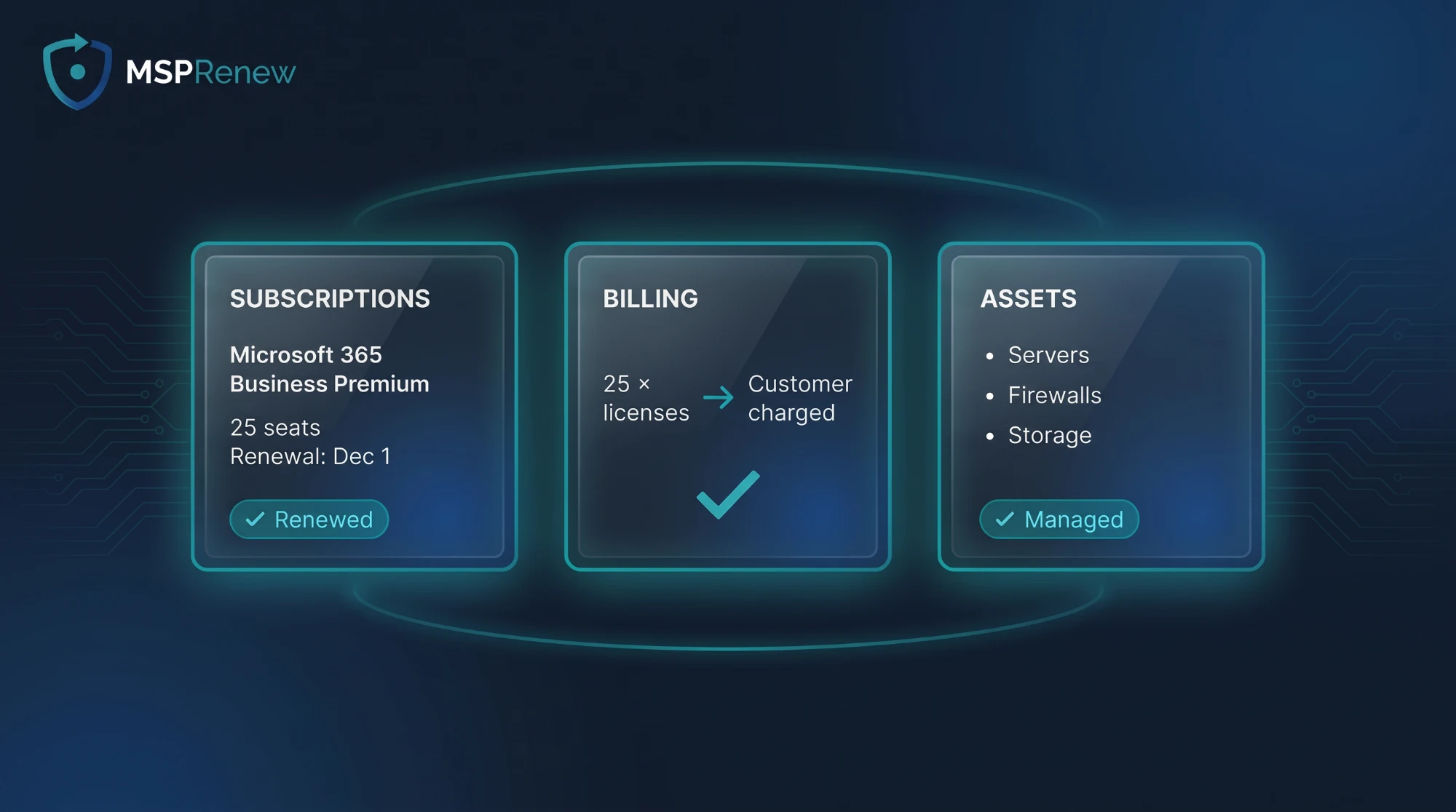
Follow a single licence through MSPRenew: Microsoft 365 Business Premium, 25 seats, renewing on December 1.
Productivity
How it works
We deploy a dedicated MSPRenew for your company on Microsoft Azure, with its own database and key vault.
Bring in your customers, products and prices from the Excel files you already keep. Nothing is lost.
The setup wizard walks you through each vendor's credentials, with a Test connection button for each one.
Review renewals, check usage and export billing to accounting. The same simple routine every month.
Integrations
Walkthroughs and connectors for the distributors, security, backup, hardware and domain platforms MSPs rely on, with more added regularly.
Tell us which portals your team logs into every month. New connectors are added by demand.
Ask about a vendorProduct names are trademarks of their respective owners and are used only to identify supported platforms.
Security
MSPRenew holds the keys to your vendors, so it is built the way you would build it for a customer.
Every MSP gets its own server, PostgreSQL database and Azure Key Vault. No shared multi-tenant database.
Vendor credentials live in Azure Key Vault, read through a managed identity. Never stored in clear text on disk.
Your team signs in with their Microsoft 365 accounts, with your MFA and conditional access policies.
Read-only access wherever the vendor allows it, such as Global Reader GDAP for Microsoft 365 tenants.
HTTPS only, firewall and intrusion blocking, and a nightly database backup.
Signed licences and signed releases, with an automatic health check and rollback on every update.
FAQ
Managed service providers that resell Microsoft 365, security, backup and hardware, and bill customers monthly for licences and usage. It was built inside a working MSP to solve exactly that.
No. Your PSA and RMM run the technical side. MSPRenew runs the business side: what you buy from suppliers, what each customer uses, what is renewing and what to bill.
In your own MSPRenew instance on Microsoft Azure, with its own database and key vault. Your data is not mixed with other MSPs' data.
We deploy your instance, help you import customers, products and prices from your existing spreadsheets, and the setup wizard guides your team through connecting each vendor.
English and Hebrew, including full right-to-left layout. Each user can choose their own language.
MSPRenew is licensed per MSP. Pricing depends on your size and the vendors you connect. Contact us for a quote.
See MSPRenew with your own vendors and customers in a short demo.
Book a demoContact
Tell us about your MSP and the vendors you work with. We'll show you how MSPRenew fits.